






NYC Move-In Security Checklist for Renters, Condo Owners & Brownstone Buyers
- Local Editor:Local Editor: The HOMEiA Team


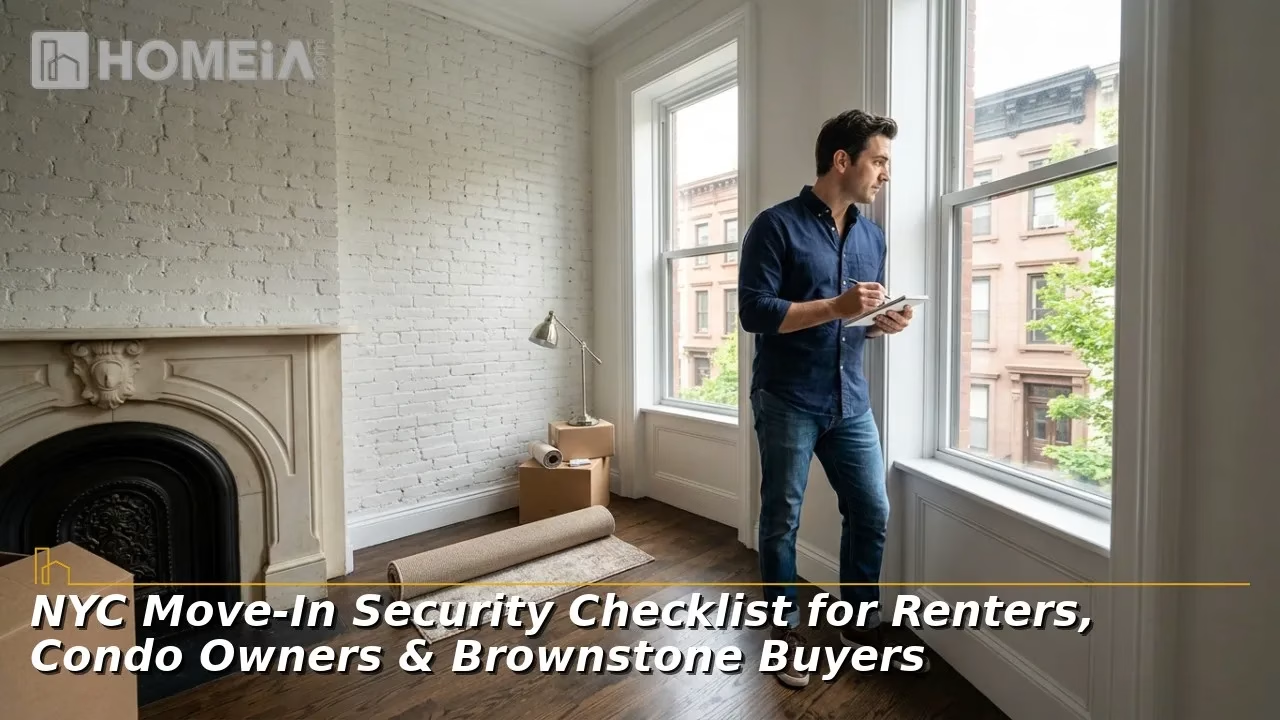
NYC Move-In Security Checklist for Renters, Condo Owners & Brownstone Buyers: Moving into a New York City home involves more than changing the locks. Renters, condo, co-op residents, and brownstone owners must evaluate private entrances, shared doors, intercoms, alarms, cameras, internet reliability, and emergency exits. They may also need approval from a landlord, property manager, or board before installing equipment in hallways or other common areas. City rules establish specific entrance-door and intercommunication requirements for certain apartment buildings, making it important to understand which security responsibilities belong to residents and which belong to building owners.
This guide provides a practical move-in security checklist for identifying vulnerabilities, choosing improvements suited to different NYC housing types, and building protection through physical security, access control, intrusion detection, cameras, and secure digital accounts. It also explains when DIY equipment may be sufficient, when professional security system installation nyc services may be appropriate, and how to test and maintain the system after moving in.
Key Takeaways
- Inspect doors, windows, locks, alarms, intercoms, cameras, lighting, internet coverage, and escape routes before buying equipment.
- Renters should review their lease and request written approval from their landlord before drilling, wiring, replacing hardware, or recording shared areas.
- Condo and co-op residents should consult management and board rules prior to modifying doors, hallways, facades, or common systems.
- Build security in layers: reliable physical barriers, controlled entry, intrusion detection, useful camera coverage, and dependable communications.
- Change inherited codes, passwords, and user accounts immediately, then enable multifactor authentication and software updates.
- Never let locks, gates, cameras, or wiring block emergency exits or interfere with self-closing doors.

Related article
10 Important Things You Should Prepare for Long-Distance Moving
Moving long distances can be exciting, like an adventure of a lifetime. There is nothing as interesting and energizing as trying out new things and having the opportunity for a fresh start. But let’s be honest: moving is more complex than getting into a car or a bus and leaving for a new place…
1. Audit Before Buying
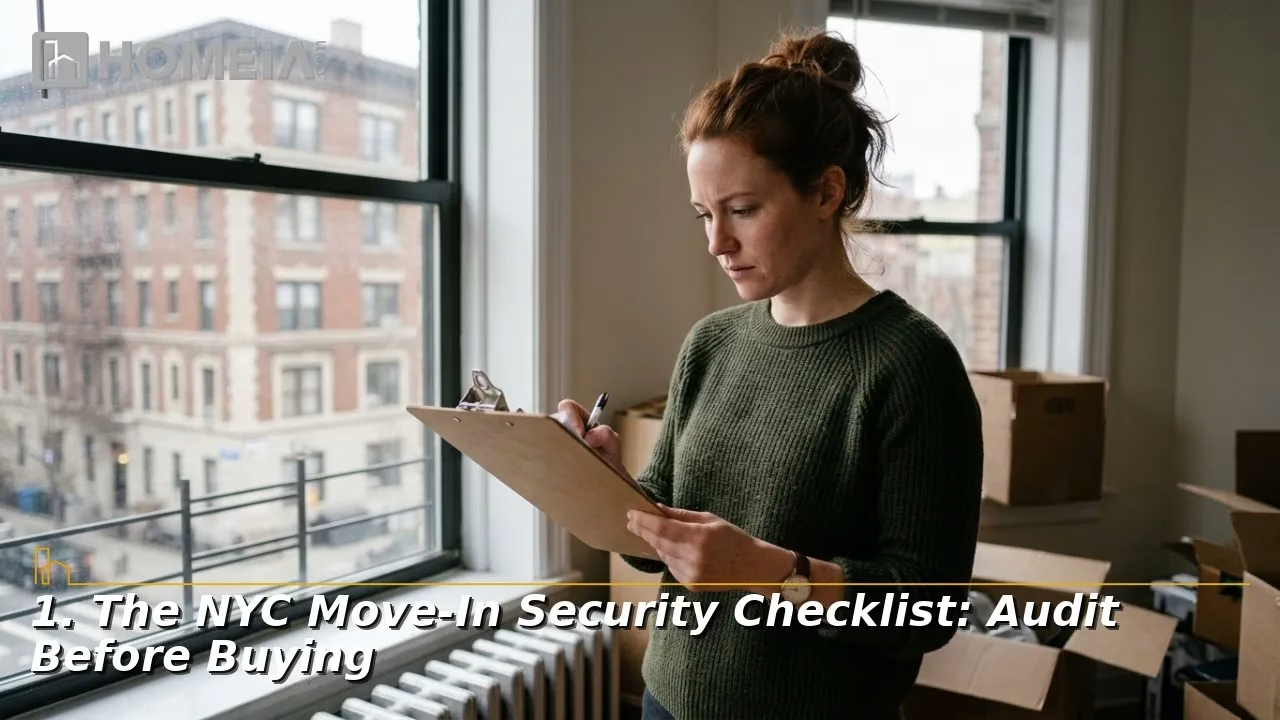
A move-in security audit should begin with the property as it exists. Local crime prevention officers may also offer security surveys.
A. Check Every Entrance
Start at the home entrance, then work outward. Confirm that each door latches without being pulled or slammed. Examine the frame, strike plate, hinges, glass, and peephole.
NYC housing rules require certain multiple-dwelling owners to provide a heavy-duty latch, exterior-key deadbolt with an interior thumb-turn, and a chain guard on unit entrance doors. Tenants may install an additional qualifying lock but must provide the landlord a duplicate key if requested. Ask for written approval before changing hardware.
Check windows reachable from a street, stoop, roof, fire escape, adjoining structure, or backyard. Do not solve a security concern by creating an evacuation hazard. Locks or window gates that require a key from inside can create illegal escape barriers. Fire-escape window gates must be approved and operable from inside without a key or tool.
B. Test Shared Entry
In an apartment building, test the exterior door, vestibule, intercom, package area, basement entrance, roof access, and secondary gates. Note doors that remain ajar, fail to lock, or are routinely propped open.
Covered Class A multiple dwellings with eight or more apartments require self-closing, self-locking entrance doors and an intercommunication system. That system must support visitor identification and remote door release. Report a broken shared lock or intercom to the owner or manager. If the problem remains unresolved, tenants can contact 311.
C. Inventory Existing Technology
List every security device and ask the landlord, seller, managing agent, or prior owner:
- Who owns the equipment and recorded footage?
- Which company installed, monitors, or services it?
- Are any contracts, subscriptions, or warranties transferable?
- Where are the backup batteries, manuals, keys, and reset instructions?
- Which former residents, staff members, or vendors have credentials?
Confirm equipment ownership, account access, subscription obligations, and product support.

Related article
Estate Cleanout Services: Cost and How It Works
Clutter easily builds up, leaving homes chaotic and overwhelming—especially during life changes like moving, downsizing, or handling an estate. The good news is, you’re not alone. With the right approach, decluttering can be manageable through simple, practical steps that reduce stress and restore peace of mind. Welcome!…
2. Match the Housing Type
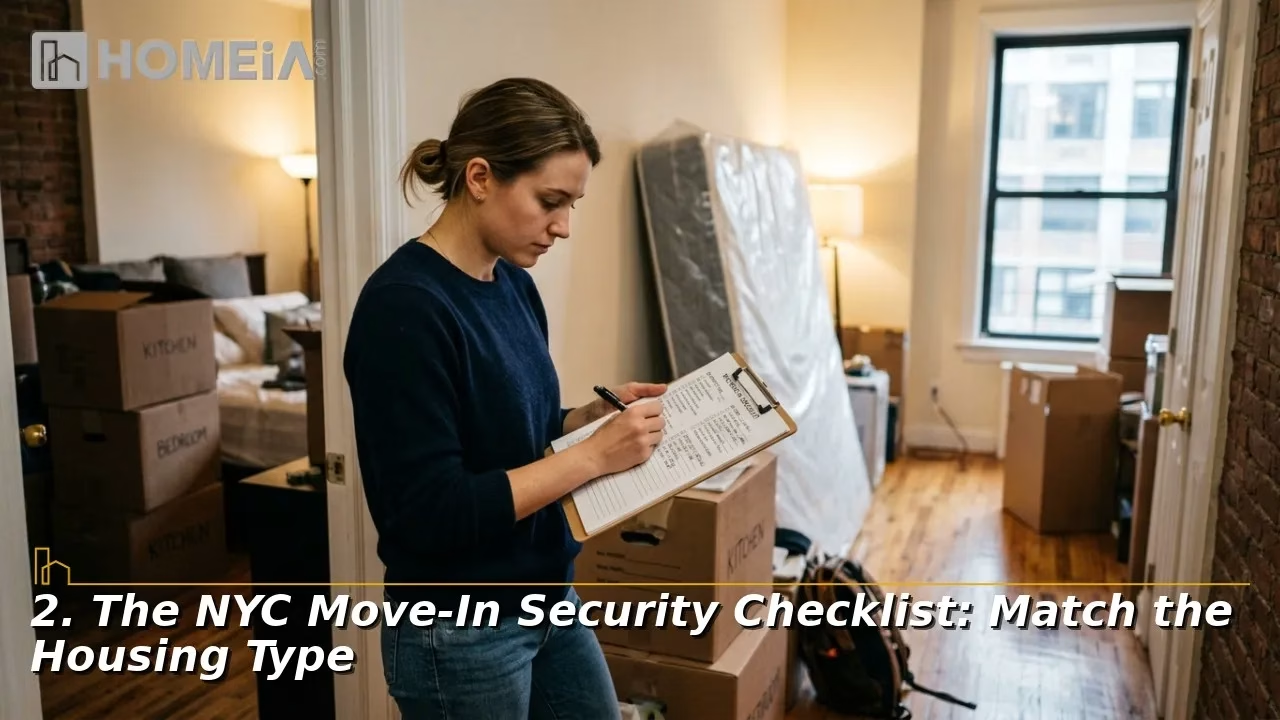
A useful plan reflects risk and authority. Renters may control only one unit, while a brownstone owner may manage several entrances and floors.
A. Rental Apartments
Favor reversible changes until permission is clear. Adhesive sensors, freestanding indoor cameras, and removable peephole devices may be easier to approve than hardwired equipment or hallway cameras. NYCHA rules, for example, allow certain wireless cameras or video doorbells attached over the peephole or with adhesive, while prohibiting holes or alterations to surrounding doors, frames, and walls. Private leases and policies differ, meaning it’s best not to generalize this for every rental.
Aim cameras only where needed and avoid neighbors’ interiors. Review current rules before enabling audio, continuous recording, facial recognition, or cloud sharing. Written approval should identify the device, location, mounting method, and removal responsibility.
B. Condos and Co-ops
A unit owner may still require approval for changes visible from a corridor or attached to common property. Submit a plan showing equipment, mounting method, power, camera view, installer insurance, work hours, and removal. For building-wide projects, boards should define viewing rights, retention, and access-request procedures.
Confirm technical requirements before ordering. It may be mandatory for the board to receive an approved contractor, insurance certificate, alteration agreement, or specific cable route. Show that the equipment will protect privacy, preserve shared property, and maintain emergency access.
C. Brownstones and Townhouses
Map the stoop, vestibule, cellar entrance, rear garden, accessible windows, roof access, and stairs. Front-door coverage does not protect a rear window or another floor. Prioritize hidden entrances, under-stoop doors, weak gates, and reachable windows.
Professional designs can combine contacts, motion detection, cameras, video entry, smart locks, and optional monitoring. Residential configurations can be customized for apartments, condos, brownstones, and single-family homes. Each component should close a documented gap and produce an actionable alert.
Recommended for you




3. Build Protection in Layers
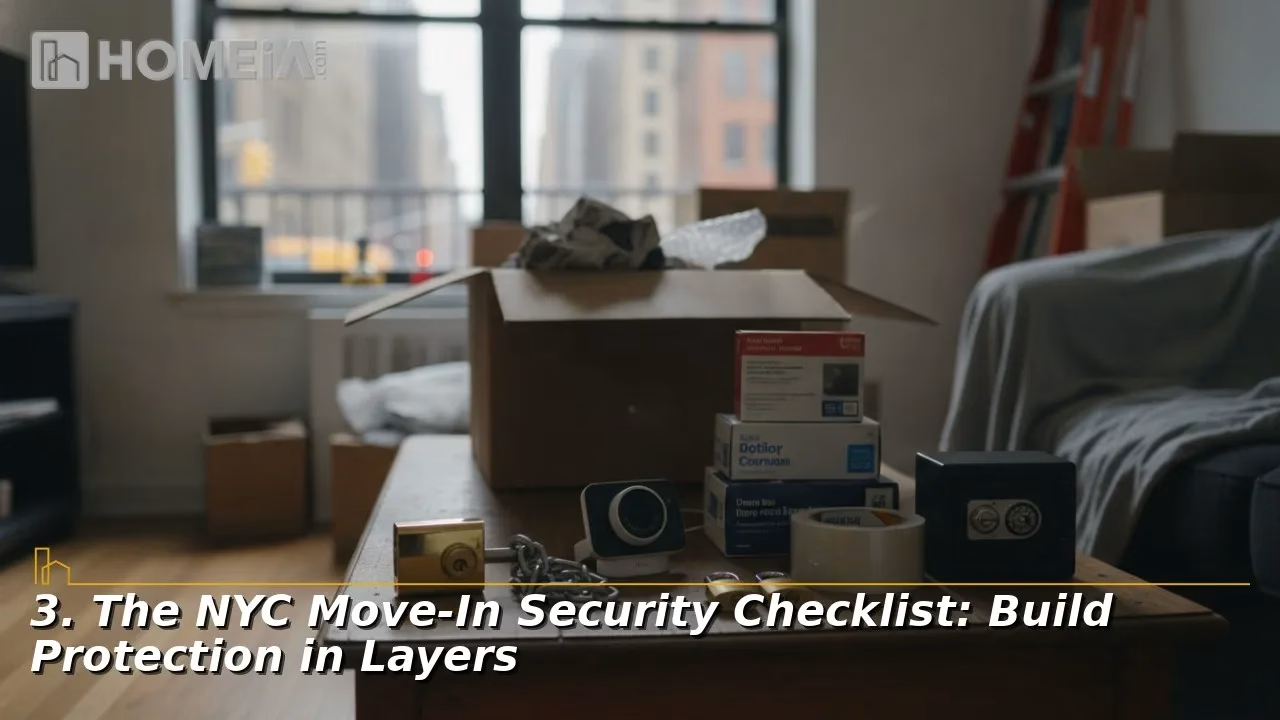
Layer physical barriers, controlled entry, detection, verification, and response so one failure does not remove every safeguard.
A. Physical and Entry Layers
Begin with doors, frames, locks, windows, gates, lighting, and clear sightlines. Next, control visitor entry with a working peephole, intercom, video intercom, or doorbell. Residents should use the intercom and admit only people they know.
Package security depends on behavior and hardware. Useful options include delivery tracking, signature service, staffed acceptance, carrier pickup points, lockers, cameras with alerts, motion lighting, and package lockboxes where appropriate. Match the solution to the actual delivery location.
B. Detection and Response
Contacts report openings, motion sensors detect activity, and an alarm panel coordinates alerts. Cameras add context, but value depends on placement, lighting, recording reliability, and useful notifications. Test views by day and night.
Decide separately who responds. Self-monitoring alerts designated users, while professional monitoring routes qualifying events to a monitoring center. Ask about outage communication, backup runtime, alarm verification, and missed notifications.
C. Digital Security
Connected cameras and locks also create digital access points. Use unique passwords, two-factor authentication, encryption, current software, secure Wi-Fi, and replacement of default credentials. Remove former residents, disable unused remote features, and review shared access and available camera logs.
Give household members separate accounts. Use expiring temporary access when available.

Related article
Hidden Moving Costs: The 12 Fees That Show Up on Moving Day
Few moving-day phone calls are worse than having to ask why a final bill came in 40% higher than the quote. Most initial estimates, especially those given over the phone or online, fail to reflect the true final price, with the average customer paying 15% to 25% more than expected. This guide breaks down every accessorial fee that shows up on moving day so the budget holds…
4. Decide What Needs a Pro
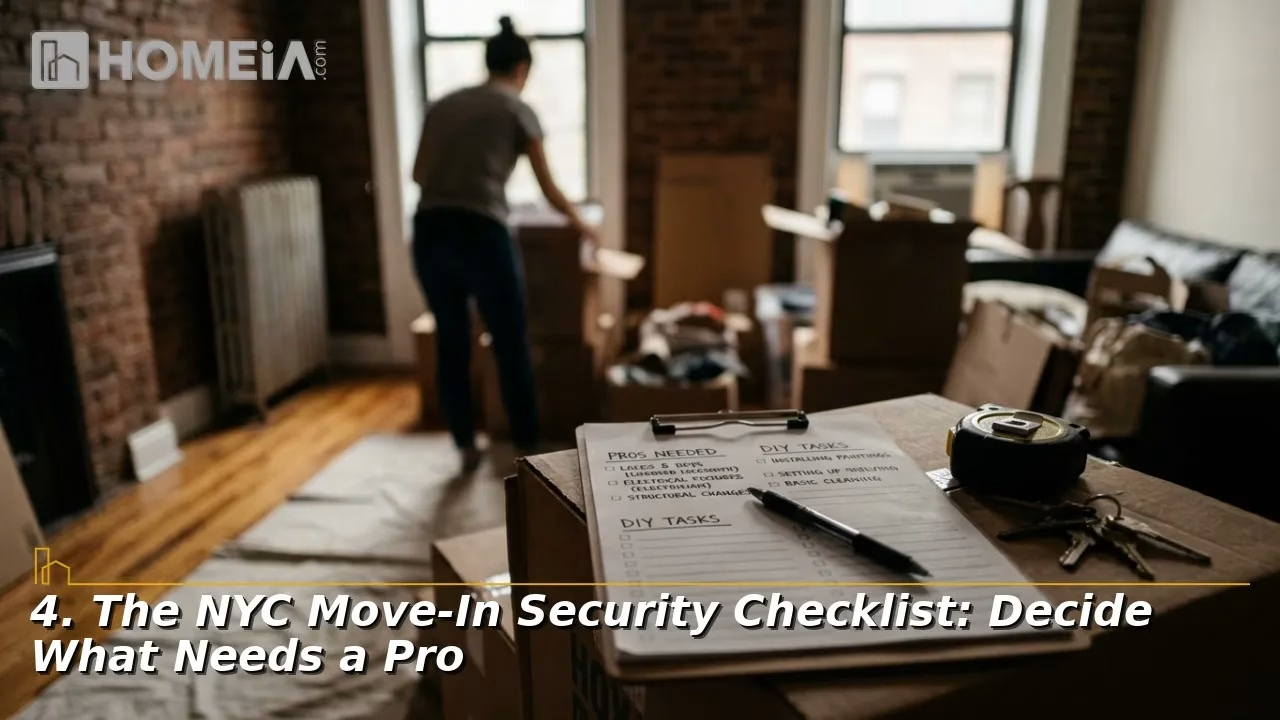
A removable setup may suit DIY installation. Professional help is ideal for concealed cable, masonry, exterior mounting, legacy wiring, intercom integration, documentation, or critical blind spots. Professional integration may also help several components operate through one platform.
A. Screen the Installer
Ask providers to walk you through the layout. An estimate should identify equipment, labor, storage, monitoring, subscriptions, warranties, training, and restoration.
- Request license and insurance information appropriate to the work.
- Confirm who performs installation and future service.
- Ask whether existing wired equipment can be tested or reused.
- Review recording location, retention, account ownership, and export options.
- Require a final walk-through and test of every sensor, alert, camera view, and user account.
An on-site assessment can expose weak Wi-Fi, glare, poor night lighting, alignment problems, difficult cable routes, and property restrictions. The design should explain each device’s coverage and remaining gaps.
5. Complete the First-Month Routine
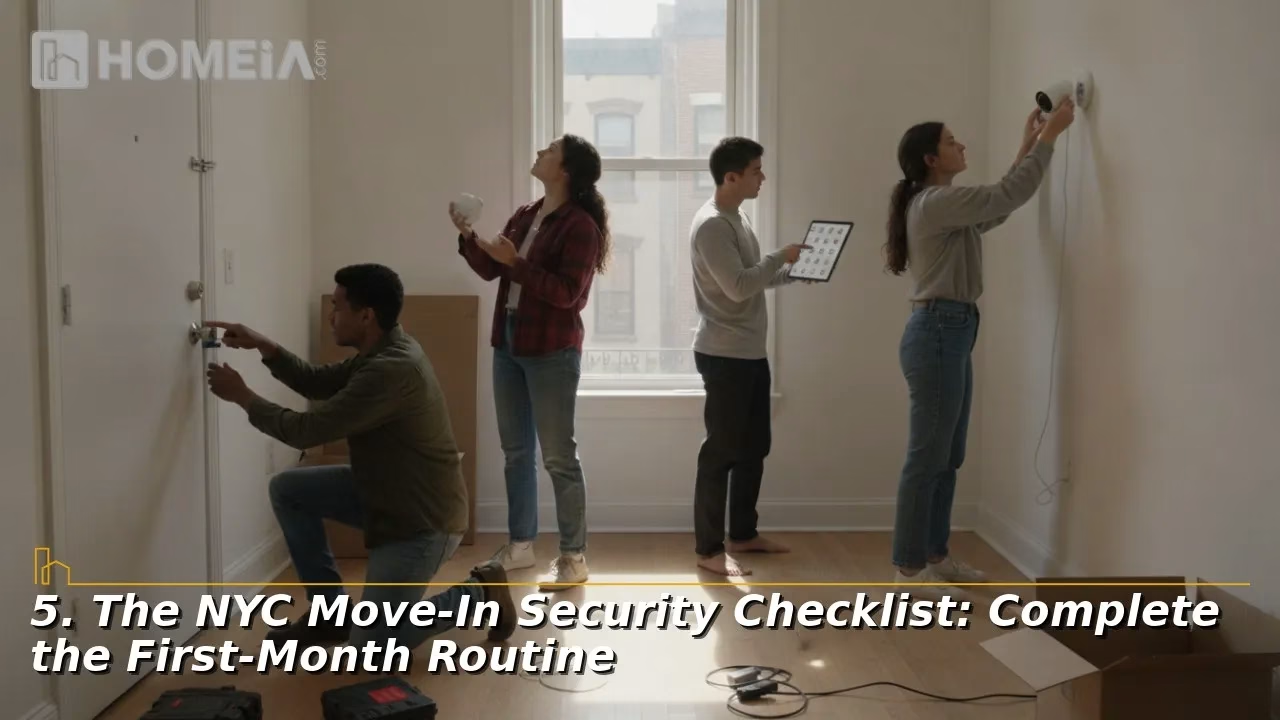
During the first month, test by day and night. Confirm doors latch, sensors report, recordings play, alerts arrive, and everyone knows how to respond.
A. Maintain the System
Schedule battery checks, lens cleaning, alert tests, software updates, and user reviews. Keep model numbers, contacts, monitoring details, warranties, and approvals. Install software updates promptly and enable automatic updates when available.
Review the plan after renovations, household changes, package losses, or internet changes. Construction can alter sightlines, while a new router disconnects devices. The goal is a lawful, understandable system matched to how the property operates.
Recommended for you




FAQs About NYC Move-In Security Checklist for Renters, Condo Owners & Brownstone Buyers
1. What security records should a buyer request at closing?
Request ownership details, invoices, warranties, model numbers, monitoring agreements, service history, approvals, transfer instructions, and confirmation that the seller removed recordings and outside users.
2. Can an alarm work when the internet goes out?
Some systems retain local detection and sirens, while remote alerts may require broadband or cellular service. Ask the provider to outline outage behavior, backup communication, and battery runtime.
3. Should security cameras record audio?
Audio raises added privacy and legal concerns. Confirm current rules and disable unnecessary microphones.
4. How long should video recordings be kept?
Choose retention based on discovery time, cost, privacy, building policy, and the ability to preserve incidents. Learn to export footage before automatic deletion.
5. How often should a home security system be tested?
Follow provider instructions and test after installation, repairs, communication changes, power problems, renovations, and account updates. Notify the monitoring center first when necessary.
Share