

Office Relocation Checklist: How to Move Your Business with Minimal Downtime
- Local Editor:Local Editor: The HOMEiA Team


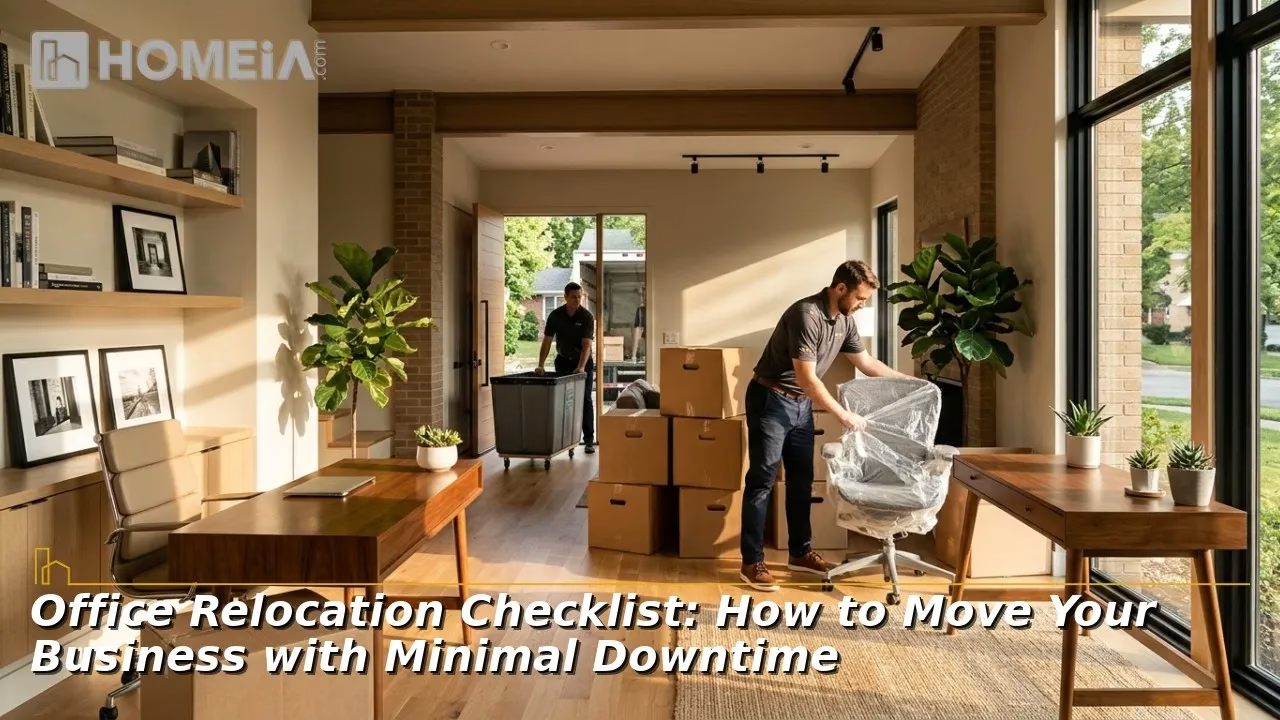
Office Relocation Checklist: Moving a business is almost incomparable to moving a household. Every day your phones, network, or front door are down, revenue is lost. Additionally, every missed detail, from an unbooked freight elevator to a late internet install, can push back an opening. Thankfully, most downtime is avoidable with a clear timeline and the right partners.
Start by choosing an experienced moving partner early. Companies relocating in Bexar County, for example, can compare quotes from commercial movers in San Antonio that schedule evening and weekend moves around business hours. A mover who understands offices, retail spaces, clinics, and warehouses can help you plan the entire project, not just the moving day.
This guide breaks an office move into six phases, from an initial six months out start to the week after you settle in. Each phase lists what to decide, who to involve, and what to check off, followed by answers to common questions about costs, taxes, records, and coverage.
Key Takeaways
- Start planning about six months ahead as larger or more complex offices may need even more time.
- Order internet service early, since business-grade connections can take 60 to 90 days to activate.
- Appoint one internal move coordinator and get a written move plan with one point of contact at your moving company.
- Schedule the physical move and IT cutover for evenings or weekends to keep the business open.
- Confirm building rules early, including certificates of insurance, elevator reservations, and loading dock times.
- Update your address with the IRS, state agencies, customers, and online listings, then test every system before reopening.

Related article
Office Wayfinding Signage: How to Design a Clear Navigation System for Multi-Floor Workspaces
Modern offices have evolved into complex, multi-purpose environments shaped by hybrid work and flexible layouts. Effective wayfinding signage is no longer just directional; it reduces stress, improves navigation, enhances client impressions, and reinforces brand identity. Designing these systems requires careful attention to human behavior, spatial planning, and professional design standards…
1. Six Months Out: Build the Foundation

A. Set goals, budget, and timeline
- Define why you are moving, whether it’s for additional space, lower rent, or a better location, and what success looks like.
- Build a budget that covers movers, IT work, new furniture, build-out, overlapping rent, and a 10 to 15 percent contingency.
- Pick a target move date that avoids your busiest season alongside any lease deadlines.
- Estimate the cost of downtime per day, since that number helps justify paying for after-hours moving and extra IT support.
B. Review both leases
- Check your current lease for notice requirements, end dates, and restoration clauses requiring you to return the space to its original condition.
- Confirm when you can access the new space for build-out, cabling, and furniture delivery.
- Have a commercial real estate attorney or broker review any new lease before you sign, prioritizing build-out and move-in dates.
C. Form a move team
- Name one move coordinator with authority to make decisions.
- Include representatives from IT, facilities, finance, and each department.

Related article
For High-End Relocations, Luxury Moving Companies Deliver
Luxury moving experts offer personalized service and innovative solutions for transporting anything that requires extra care. Here are a few of the features a high-end moving company may be able to offer…
2. Four to Five Months Out: Line Up Your Partners

A. Hire your commercial mover
- Request on-site or virtual surveys and written quotes from at least three movers.
- Verify licensing, USDOT and other operating authority where required, insurance, and references from similar businesses.
- Inquire about a written move plan that incorporates crew size, schedule windows, and furniture disassembly and reassembly.
- Learn how the mover handles specialty items such as safes, medical equipment, artwork, or heavy machinery, and whether they need extra crews or equipment.
B. Order technology services
- Contact your internet provider immediately. Business-grade fiber at a new address often needs 60 to 90 days.
- Plan phone number porting, which can take two to four weeks, while arranging temporary forwarding as a precaution.
C. Plan the new space
- Create a floor plan with a seat for every employee and labeled locations for printers, files, and equipment.
- Decide what furniture moves and what is not coming on the relocation (ex. replacing, selling, donating or recycling).
- Measure doorways, hallways, and elevators in the new building to confirm that large furniture and equipment will fit.
D. Plan for business continuity
- Identify the systems and services that cannot go offline, including customer phone lines, online ordering, scheduling software, or point-of-sale terminals.
- Create a backup plan for each one, like cloud access, mobile hotspots, or a small team working remotely during the transition.
Recommended for you




3. Two to Three Months Out: Prepare People and Paperwork

A. Communicate with employees
- Share the move date, new address, parking details, and commuting options.
- Assign packing responsibilities and set deadlines for clearing desks and shared areas.
- Share with employees a simple FAQ sheet covering what to pack, specific action items the movers will handle, and where to report on the first day.
B. Coordinate with both buildings
- Consult property managers about move rules, loading dock hours, and freight elevator reservations.
- Request the certificate of insurance requirements so your mover can provide proof of coverage in advance.
- Verify whether the new building requires a move permit, security escorts, or advance notice for after-hours deliveries.
C. Start purging and organizing
- Archive or scan old paper files and securely shred documents no longer needed.
- Inventory computers, servers, and specialty equipment, and tag each item with its new location.
- Order new keys, access cards, signage, and business cards so they are ready on moving day.

Related article
10 Important Things You Should Prepare for Long-Distance Moving
Moving long distances can be exciting, like an adventure of a lifetime. There is nothing as interesting and energizing as trying out new things and having the opportunity for a fresh start. But let’s be honest: moving is more complex than getting into a car or a bus and leaving for a new place…
4. One Month Out: Lock in the Details

A. Finalize the IT plan
- Back up all data and confirm the backup can be restored.
- Schedule network cabling, Wi-Fi, and security systems in the new space at least two weeks before moving day.
- Decide who will disconnect, pack, and reconnect servers and workstations.
B. Update your address
- File IRS Form 8822-B to report a business address change, and update state tax, licensing, and registration records.
- Notify banks, insurers, vendors, and clients, and set up mail forwarding.
- Prepare updates for your website, Google Business Profile, and printed materials.
C. Confirm the schedule
- Reconfirm dates, times, and building access with your mover and both property managers.
- Share a moving-day contact sheet with every vendor and department lead.
- Plan coverage for customers during the move. This can be an out-of-office message, temporary call forwarding, or a skeleton team working remotely.

Related article
Change of Address Checklist: 15 Things People Forget When Moving
Whether or not you decide to hire a professional moving company, this guide includes everything you need for completing your move. It’s always best to have this list handy so you can check off each task and know that you’re on top of everything…
5. Moving Week: Execute the Plan
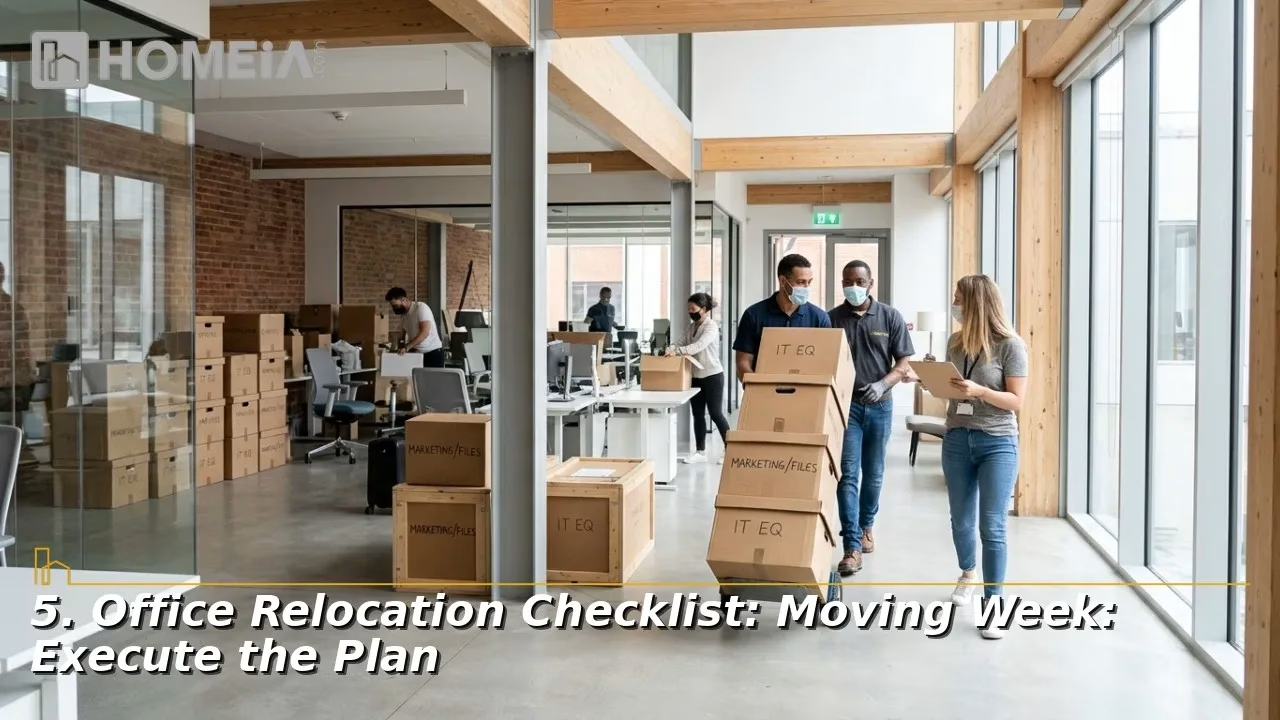
A. Pack and label
- Use a color or number system that matches the new floor plan.
- Have employees pack personal items and label their own workstations.
- Maintain a box of essentials for the first day, including chargers, cables, cleaning supplies, basic tools, and a printed floor plan.
B. Move after hours
- Schedule the physical move and IT cutover for an evening or weekend so the business stays open.
- Keep the move coordinator on site at both locations to answer questions quickly.
- Move critical equipment, such as servers and network gear, first, so IT has ample time to test it.
C. Protect both properties
- Ensure that floors, walls, and elevators are padded.
- Walk through the old space with the landlord to document its condition.

Related article
PODS Moving Cost 2026: PODS vs U-Pack vs 1-800-PACK-RAT Compared
This comprehensive comparison of the three industry leaders—PODS, U-Pack, and 1-800-PACK-RAT; examines which company might best suit your specific moving and storage needs. We’ve analyzed pricing, container quality, availability, storage options, and customer experiences to help you make an informed decision…
6. After the Move: Test and Settle In
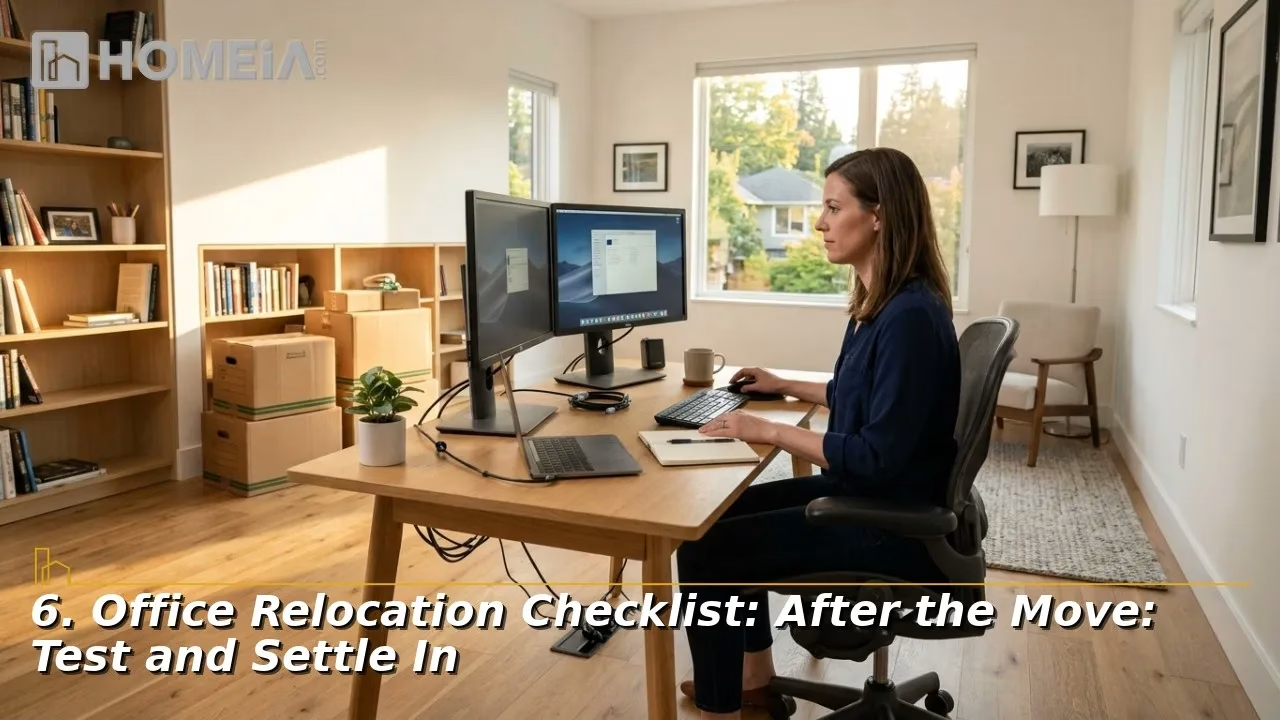
A. Test before opening
- Check internet, phones, printers, security access, and restored data before employees arrive.
- Keep IT support on site or on call for the first business day.
- Tour the new space with department leads to confirm that every desk, printer, and piece of equipment landed in the right place.
B. Close out the project
- Inspect furniture and equipment for damage and report claims promptly.
- Return keys and access cards for the old space and confirm the deposit return process.
- Request feedback from employees and fix small issues within the first week.
- Compare final invoices with your budget to learn lessons for your next move or expansion.
Conclusion
An office move’s success hinges on its planning and preparation. By starting early, ordering tech services well in advance, choosing an experienced commercial mover, and scheduling the move outside business hours, you can relocate with little or no downtime. Use the six phases above as your checklist, adjust the timeline to the size of the business, and keep all parties informed from the first planning meeting to the first day in the new space. A well-run move can also be a fresh start, giving your team a more efficient, comfortable workplace from day one.
Recommended for you




FAQs About Office Relocation
1. Are office moving costs tax-deductible?
In most cases, moving costs for a business are treated as ordinary business expenses, and the cost of new furniture or improvements may be depreciated over time. The rules depend on how your business is structured and what you buy. Review the details with your accountant before the move and keep every invoice.
2. Can our landlord help pay for the move?
Often, yes. When signing a new lease, many businesses negotiate a moving allowance, free rent during the transition, or a tenant improvement allowance for build-out. These incentives are more common when office vacancy is high. In San Antonio, for example, CBRE reported an overall office vacancy of 17.8 percent in the third quarter of 2026, which gives tenants more room to negotiate.
3. How should we handle confidential files and old electronics?
Use a certified shredding service for paper records and obtain a certificate of destruction. Wipe or destroy hard drives before recycling computers, and use a certified e-waste recycler. Medical and financial offices should follow HIPAA privacy laws, which require safeguards for patient information during a move.
4. How long does an office move take?
A small office of a few dozen workstations can often move over a single weekend. Spacious offices, multi-floor headquarters, or businesses with server rooms may need several nights or a phased move by department. Your mover’s on-site survey is the best way to estimate crew size and time.
5. What does a mover’s liability coverage actually include?
Basic released value coverage, used for many moves, pays only about 60 cents per pound per item, rarely covering the value of computers or furniture. Full value protection, which costs extra, covers repair or replacement. Ask your mover to explain each option in writing, list high-value items separately, and check whether your business insurance policy covers goods in transit.
Share